-
Type:
Bug
-
Resolution: Fixed
-
Priority:
 Minor
Minor
-
Component/s: core
-
Environment:Jenkins 1.619, Window 8.1, Ubuntu 12.04, Chrome, Firefox
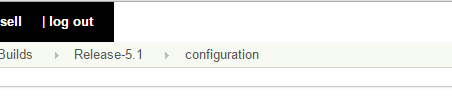
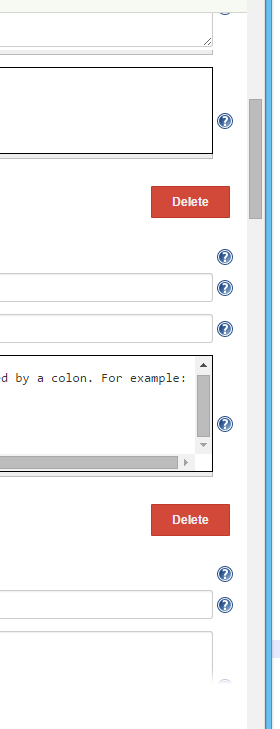
On the configuration pages for various projects, when there is a large running paragraph of text (no returns), the text box will continue extending horizontally in the browser until there is a return/new line in the text (see attached jenkins-long-textbox.PNG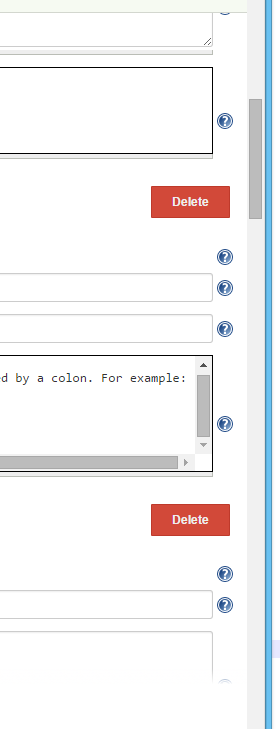 ). The header (jenkins-header.PNG
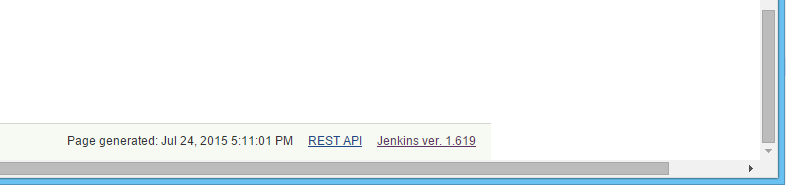
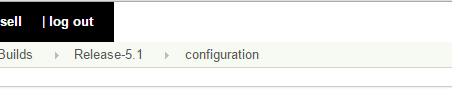 ) and footer (jenkins-footer.PNG
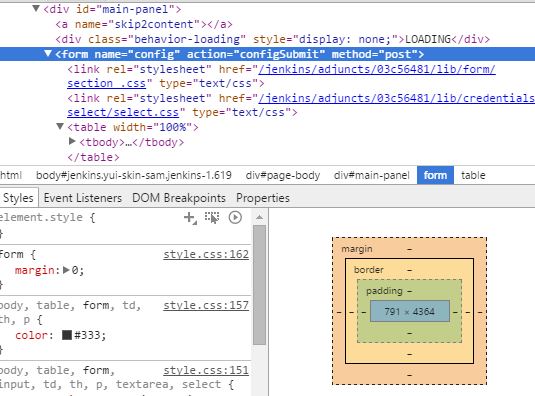
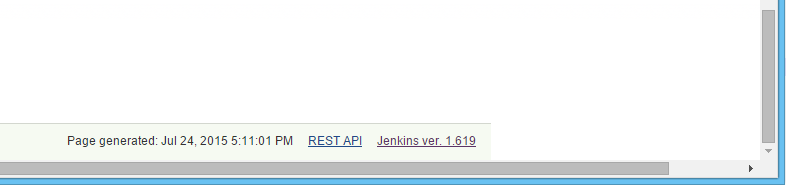 ) will fit to the window size (jenkins-css-form.PNG
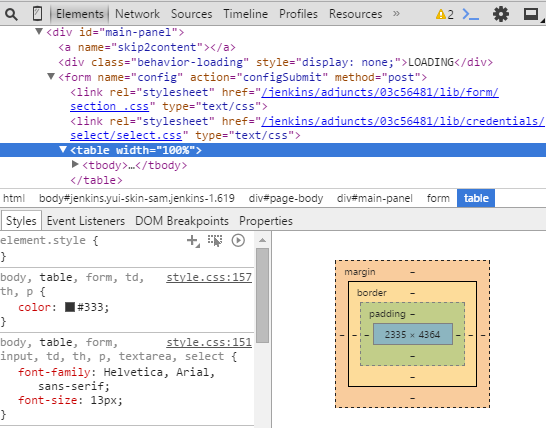
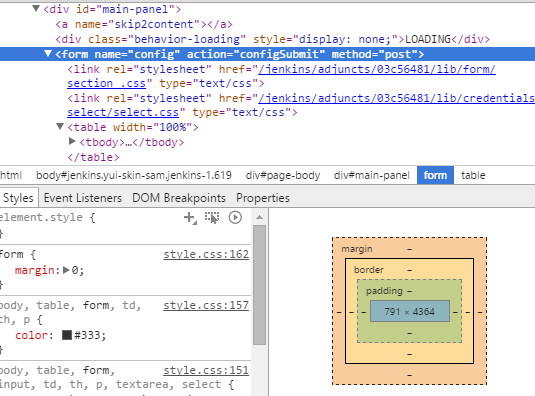 ), but everything in between (the body) will fit to this maximum width set by the longest text line in any <td> on the configuration (jenkins-css-table.PNG
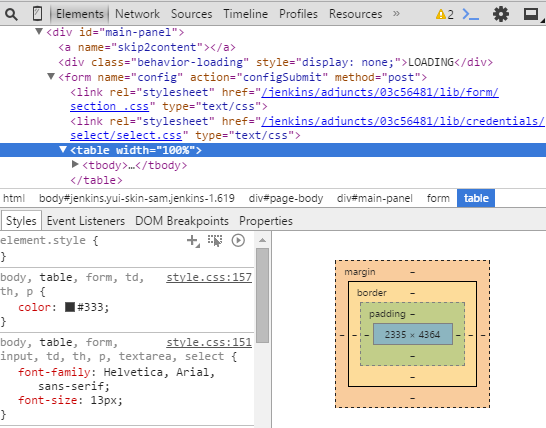 ).
).
I've tested this issue across both latest versions of Chrome and Firefox, as well as with different adjusted browser window sizes. Using "Inspect Element", I inserted style on the above screen-captured "table" element that wrapped words (<table style="table-layout: fixed, width: 100%"> and <td style="word-wrap: break-word">), but it was messy and already at the limit of my CSS.
- is duplicated by
-
-
- Closed
-