-
Type:
Bug
-
Resolution: Fixed
-
Priority:
 Major
Major
-
Component/s: promoted-builds-plugin
-
Environment:VM - Windows Server 2008 R2 64 bit
4 GB RAM
2 2.10 GHz processors
Jenkins Core - 1.530
Promoted Builds Plugin - 2.13, also tried 2.17
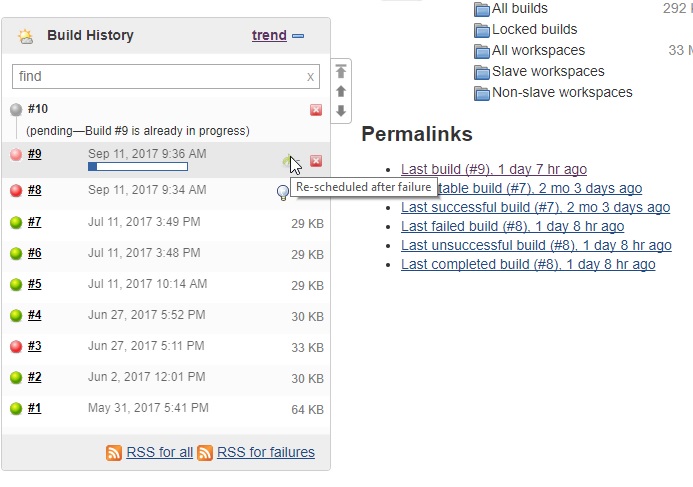
We came across an issue with promoting a build. Someone had gone into the jobs main page and clicked on "Promotion Status" on the left hand side, clicked on one of the promotions, and then just clicked the "Build Now" on the left side. This caused a promotion to queue up in this window only, not in any other view. The promotions just hangs. When you hover over it, it just says "Started null ago estimated time remaining: null". When clicking on Console output, I get a 404 error. In order to get it to clear, I have to restart the core Jenkins service.
Normally we promote by clicking on the actual build number and then go to promotion status and then approve it, but I don't think the build now should break like this.
I understand that doing it through the build now isn't pointing at a specific build so I assume that is why it hangs, but it should maybe grab the latest build when you do it that way, or the build now link should not be an option on that page...
I have tried updating to the latest promoted plugin of 2.17 as well as the latest Jenkins version of 1.553 with no luck.
I can submit screen shots if needed.
- is duplicated by
-
-

- Resolved
-
-
-

- Resolved
-