-
Type:
Bug
-
Resolution: Won't Do
-
Priority:
 Major
Major
-
Component/s: hp-application-automation-tools-plugin
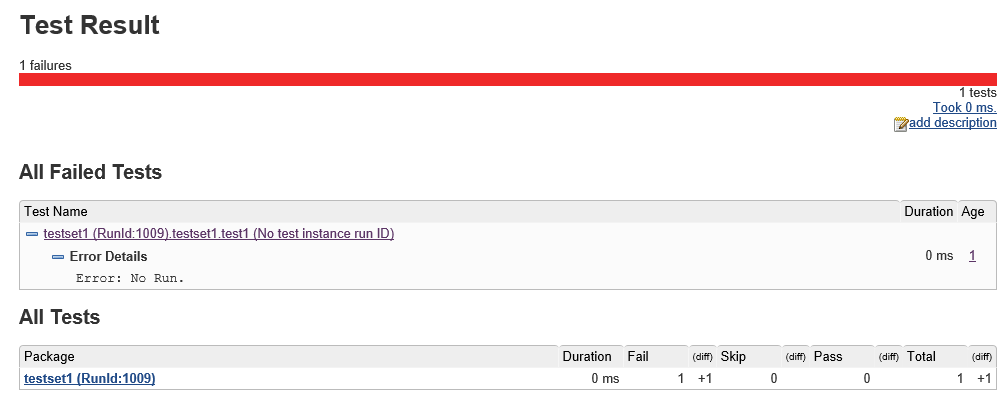
Based on the user guide and current behavior for the HP ALM Tools plug-in, it appears that the plug-in is moving away from displaying detailed information for failed tests directly in Jenkins, and instead simply provides an ALM URL to view results for the test instance.
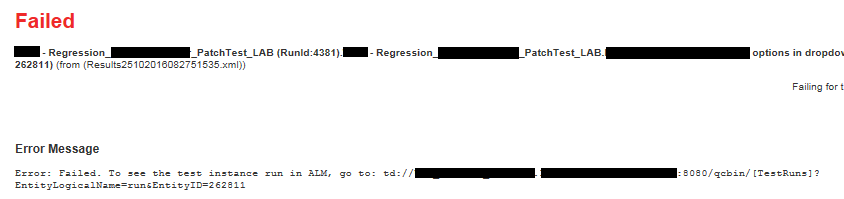
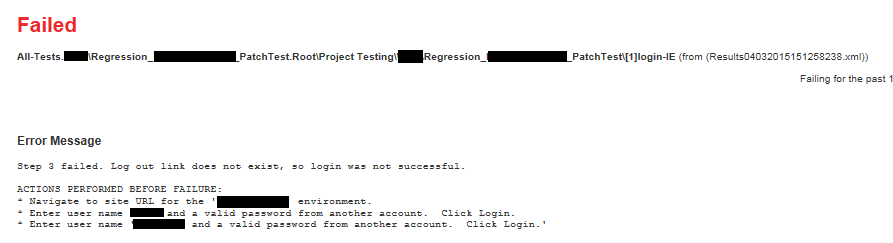
Previously, when viewing test results in Jenkins, the failed test instances displayed the actual Reporter output information from the automated scripts. Now, the test results for the failed tests simply point the user to an ALM URL with the format "td://<Project>.<Domain>.<qcserver>/qcbin/[TestRuns]?EntityLogicalName=run&EntityID=<run_id>"
The URL is not clickable. It must be pasted into a browser. However, that is not our main concern. We have developers who want to see the results directly in Jenkins without having to log into ALM.
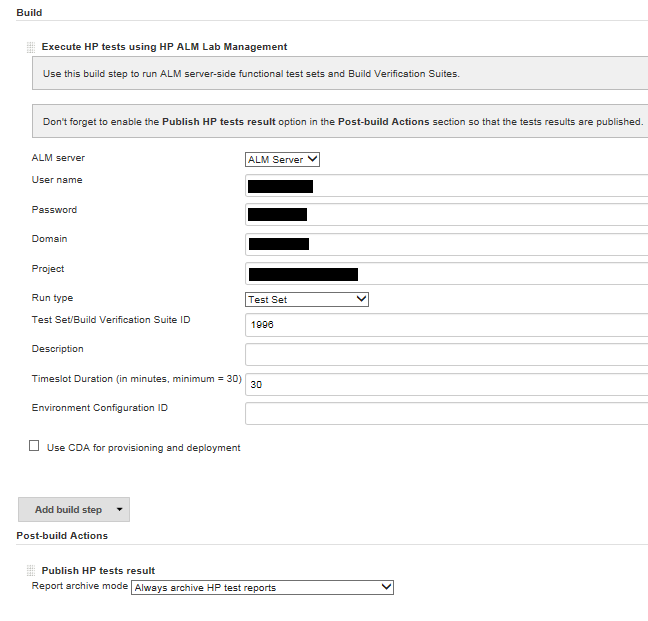
It appears that the build option to "Running Tests Sets from ALM" is still showing Reporter statements, but the build option to "Run Server Side tests using HP ALM Lab Management" is just showing the ALM URL.
We would like an option to have the Reporter statement details displayed in our test results.