-
Type:
Bug
-
Resolution: Cannot Reproduce
-
Priority:
 Major
Major
-
Component/s: blueocean-plugin
-
Environment:OS X 10.11.4, MacBook Pro
Chrome 52
Jenkins 2.7.3
BlueOcean beta 1.0.0-b05
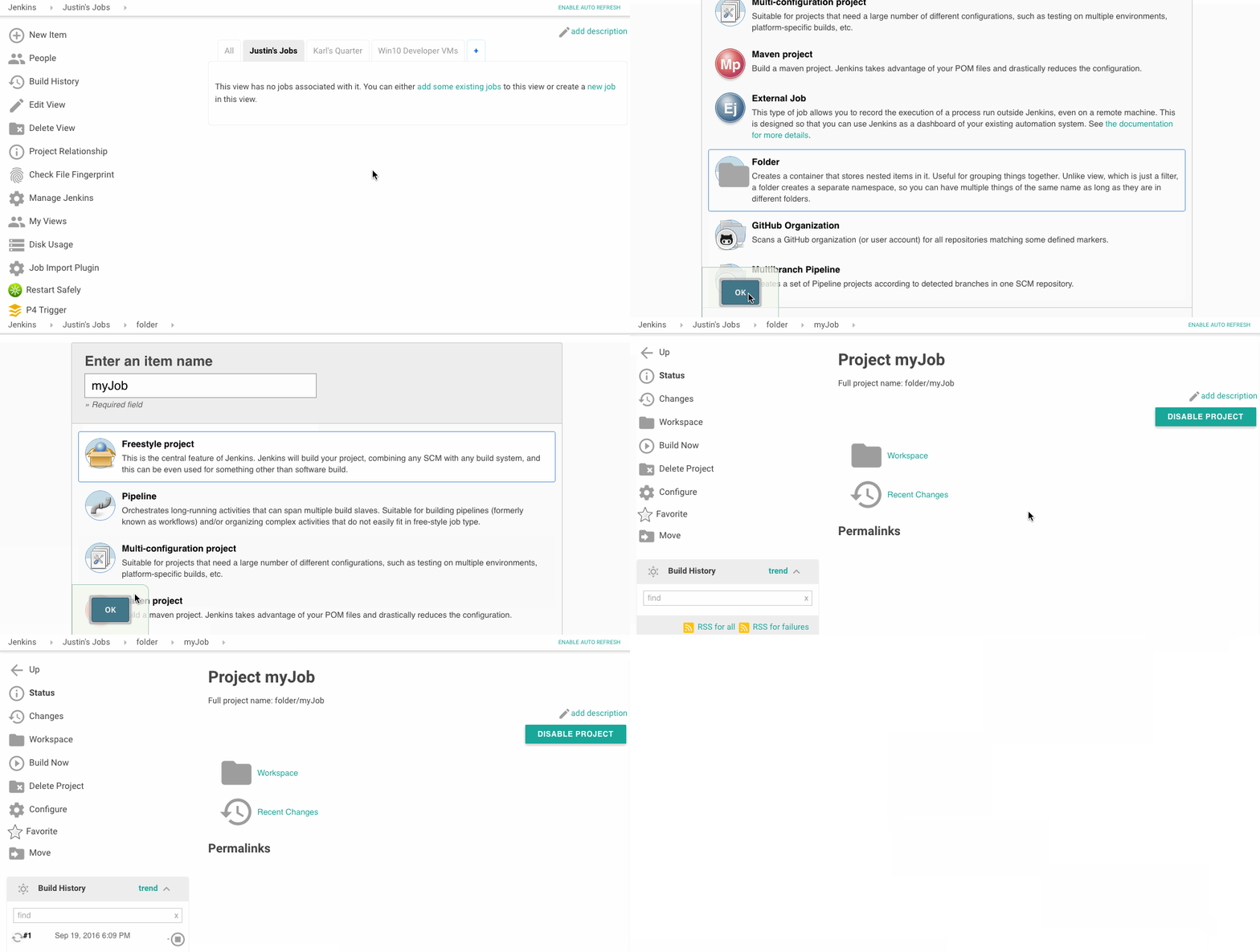
1. In regular Jenkins view click New Item, enter Item Name, select Folder and click OK.
2. Click Save on folder config page then click link to create a new job inside the folder.
3. Add a name for the job, select Freestyle Project and click OK.
4. Click Save in config page then click TRY BLUE OCEAN UI at the top.
5. Click the path in the list that matches the folder/job you just created (jenkins/myFolder/myJob)
6. The url should now end with /activity. Click Refresh
Result: Screen doesn't load. Same as if you try to go to this link directly.