-
Type:
Bug
-
Resolution: Cannot Reproduce
-
Priority:
 Major
Major
-
Component/s: hp-application-automation-tools-plugin
General Description:
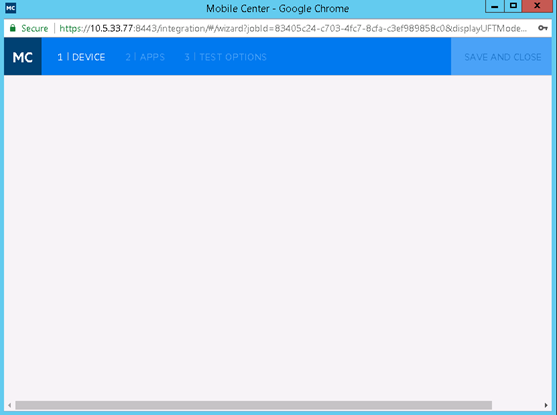
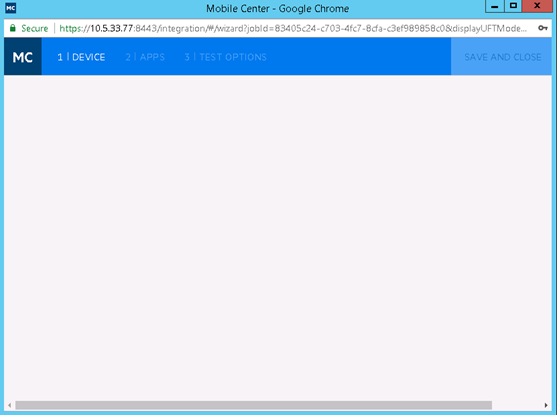
MC Wizard dialog shows empty during the first time successfully login, and if we click the 'DEVICE' tab once again, the dialog will be reloaded successfully.
Steps to reproduce:
1. login jenkins and update the plugin for automation script execution;
2. go to configuration of Jenkins to add MC server
3. go to configuration of project and select the added MC server
4. click on MC wizard.
5. Input user name and password, login MC Server.
Expected: After successfully login, the device information will be loaded successfully.
Actual: After successfully login, the dialog shows 'Empty', as below: