-
Type:
Bug
-
Resolution: Fixed
-
Priority:
 Major
Major
-
Component/s: performance-plugin
-
None
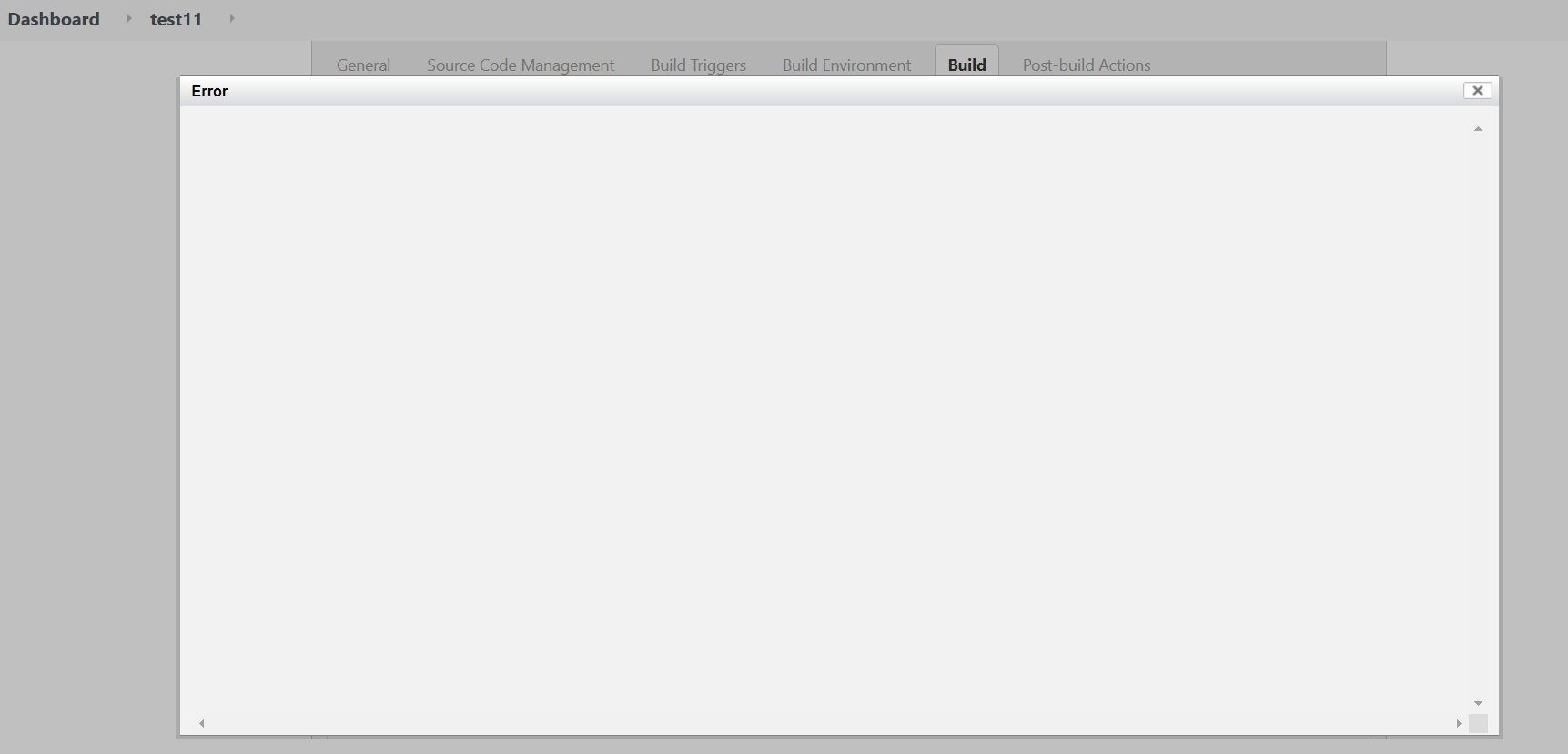
Changing job configuration (parameter name for example) and clicking "Apply" shows empty error window after adding Publish performance report.
Jenkins version - 2.271
performance-plugin version - 3.18
Steps to reproduce:
- Add and save Publish Performance test result step to the Post-build Actions for the first time (even empty).
- Enter job "configure" and change parameter name for example.
- After pressing Apply empty window is shown