windows install jenkins agent as service, then cmd run python scripts, tkinter windows isn't show

This issue is archived. You can view it, but you can't modify it. Learn more

XMLWordPrintable

    • Type: Bug
    • Resolution: Not A Defect
    • Priority: Blocker
    • Component/s: _unsorted
    • Environment:
      server ubuntu 20.04 docker jenkins ver. 2.150.2;
      node: windows jenkins ver. 2.150.2, execute windows batch command python D:\apussvn\ApusAt\TcsRunner.py

      node: windows jenkins ver. 2.150.2; 

      normal status: (tkinter show normally)

      1)  Launch agent from browser 


      abnormal status:

      1)  Launch agent from browser , install as windows service. tkinter show abnormally; 


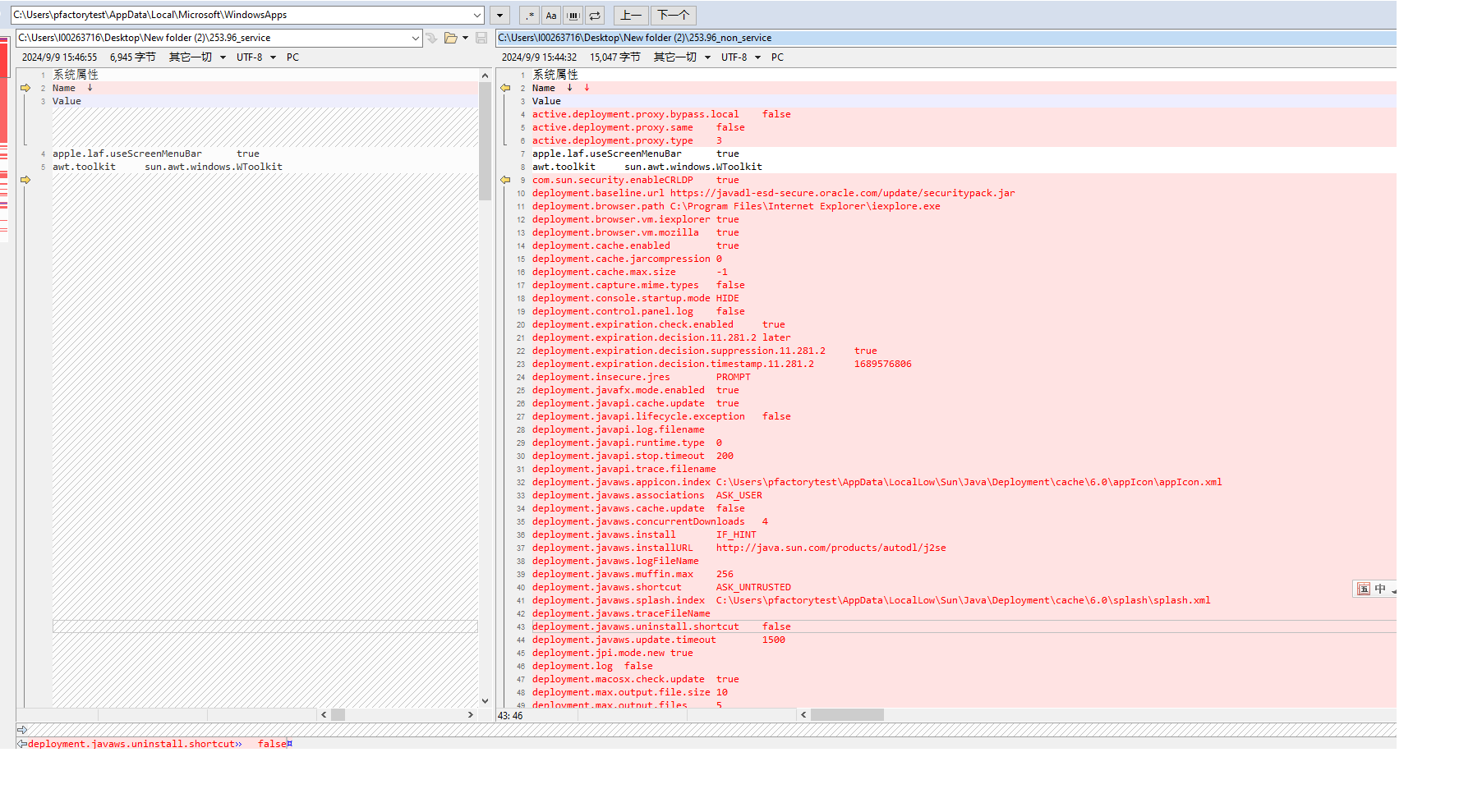
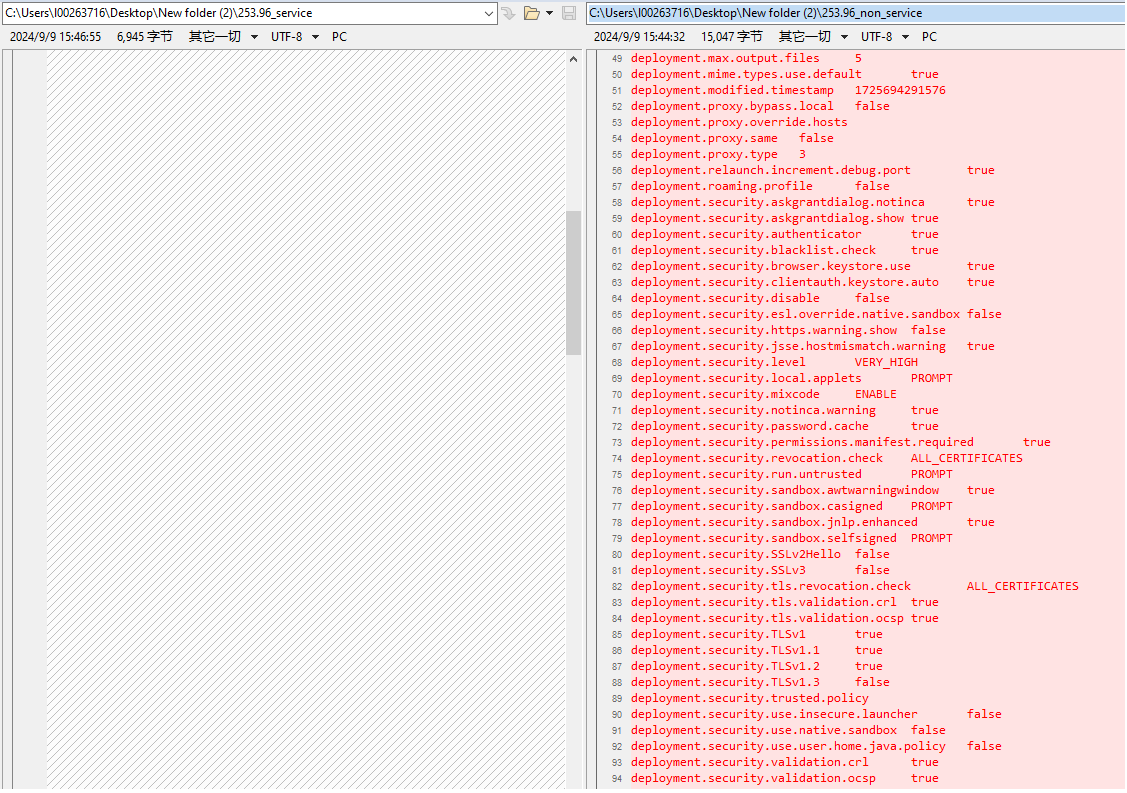
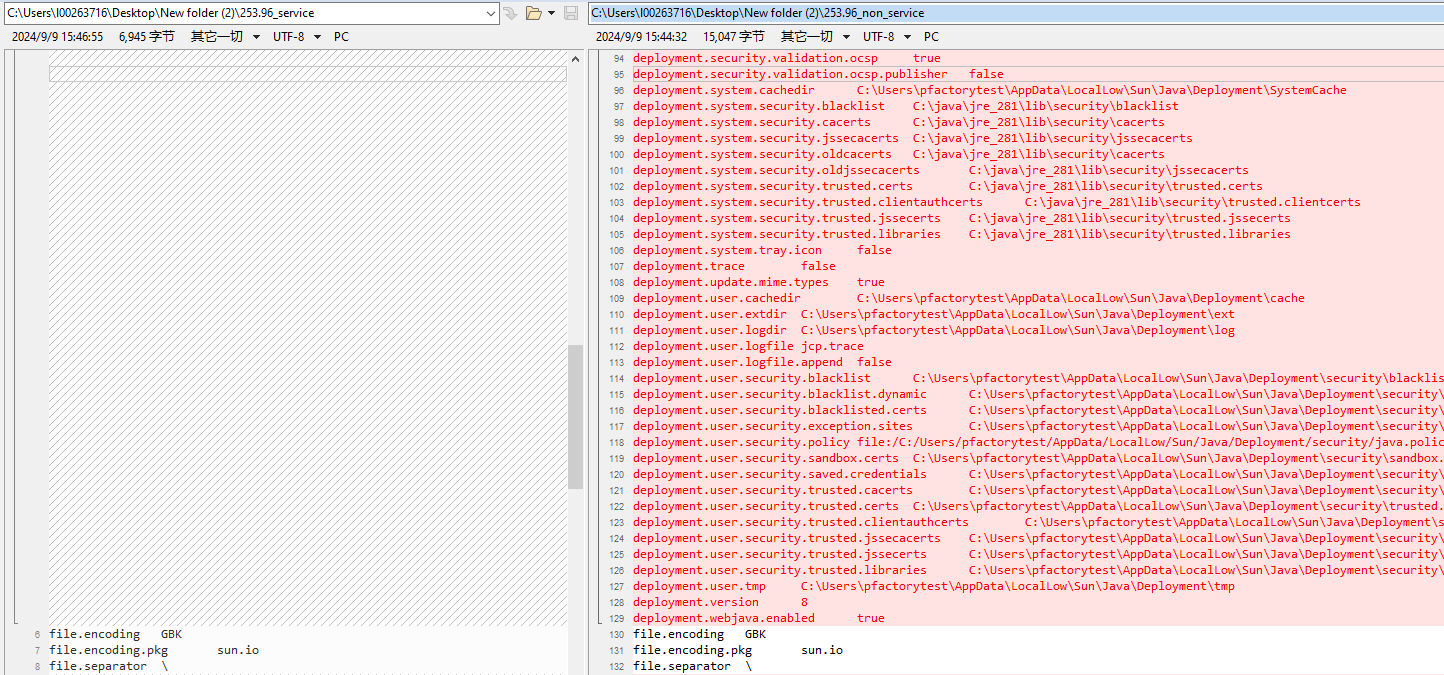
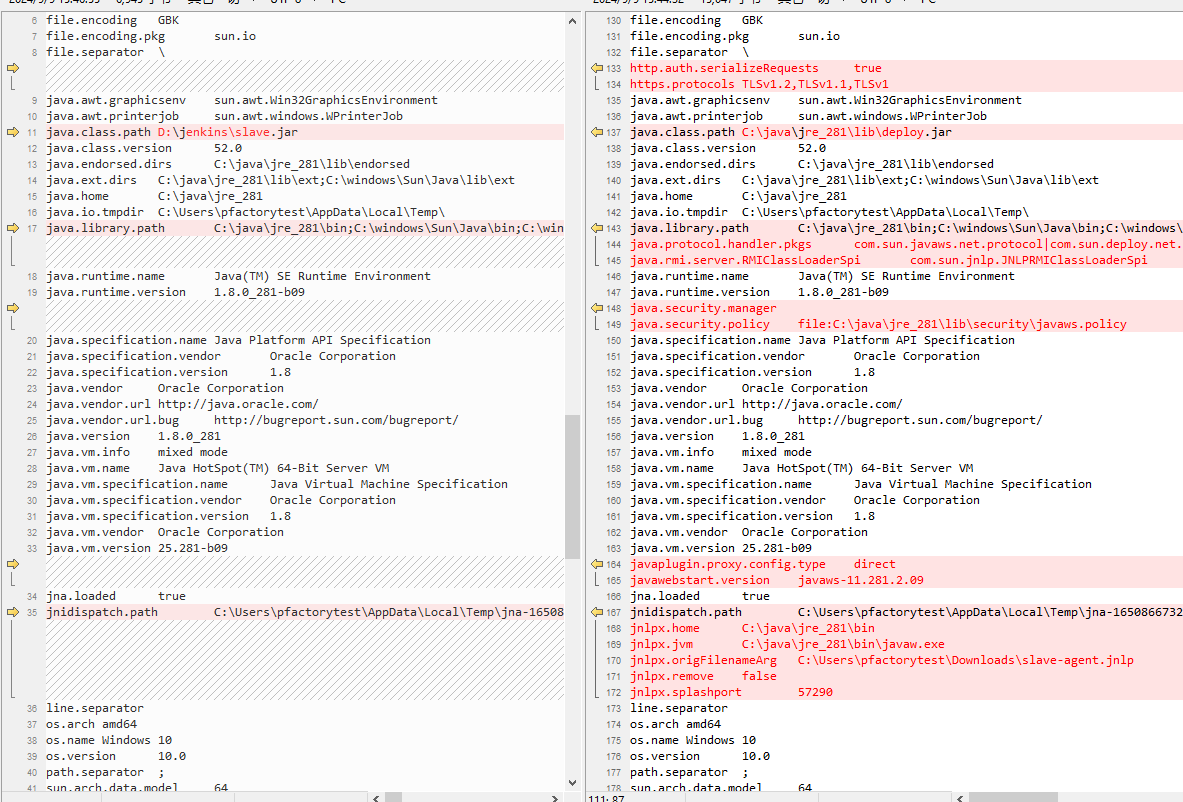
      I compare the node systemInfo before and after, there is many differences. So I want to know the different systemInfo association machnism.


      Where I can find the related document?

       Where I can find the slave-agent.jnlp source code?

        1. 253.96_non_service
          15 kB
          liu dongliang
        2. 253.96_service
          7 kB
          liu dongliang
        3. systeminfo_para_compare_1.png
          95 kB
          liu dongliang
        4. systeminfo_para_compare_2.png
          74 kB
          liu dongliang
        5. systeminfo_para_compare_3.png
          95 kB
          liu dongliang
        6. systeminfo_para_compare_4.png
          95 kB
          liu dongliang
        7. systeminfo_para_compare_5.rar
          90 kB
          liu dongliang

            Assignee:
            Sun WeiSheng
            Reporter:
            liu dongliang
            Archiver:
            Jenkins Service Account

              Created:
              Updated:
              Resolved:
              Archived: