-
Type:
Bug
-
Resolution: Unresolved
-
Priority:
 Minor
Minor
-
Component/s: core
In the top bar, security alert monitors are red, others are orange (that's fine): 
In the list of available updates, the number is red, if it includes updates for plugins with security monitors, otherwise its orange (that's also fine): 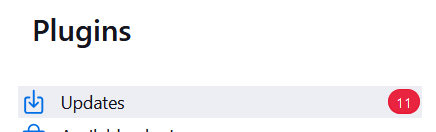
However, in the description of available plugin updates the colors don't follow that pattern. Both the security alerts as well as other information is shown in orange, red is not used there. I would like to suggest coloring the alert in the following image in red for consistency