Giant plus sign when configuring SCM

XMLWordPrintable

    • Type: Bug
    • Resolution: Duplicate
    • Priority: Major
    • Component/s: credentials-plugin
    • Environment:
      Jenkins 2.342
      All suggested plugins at latest versions
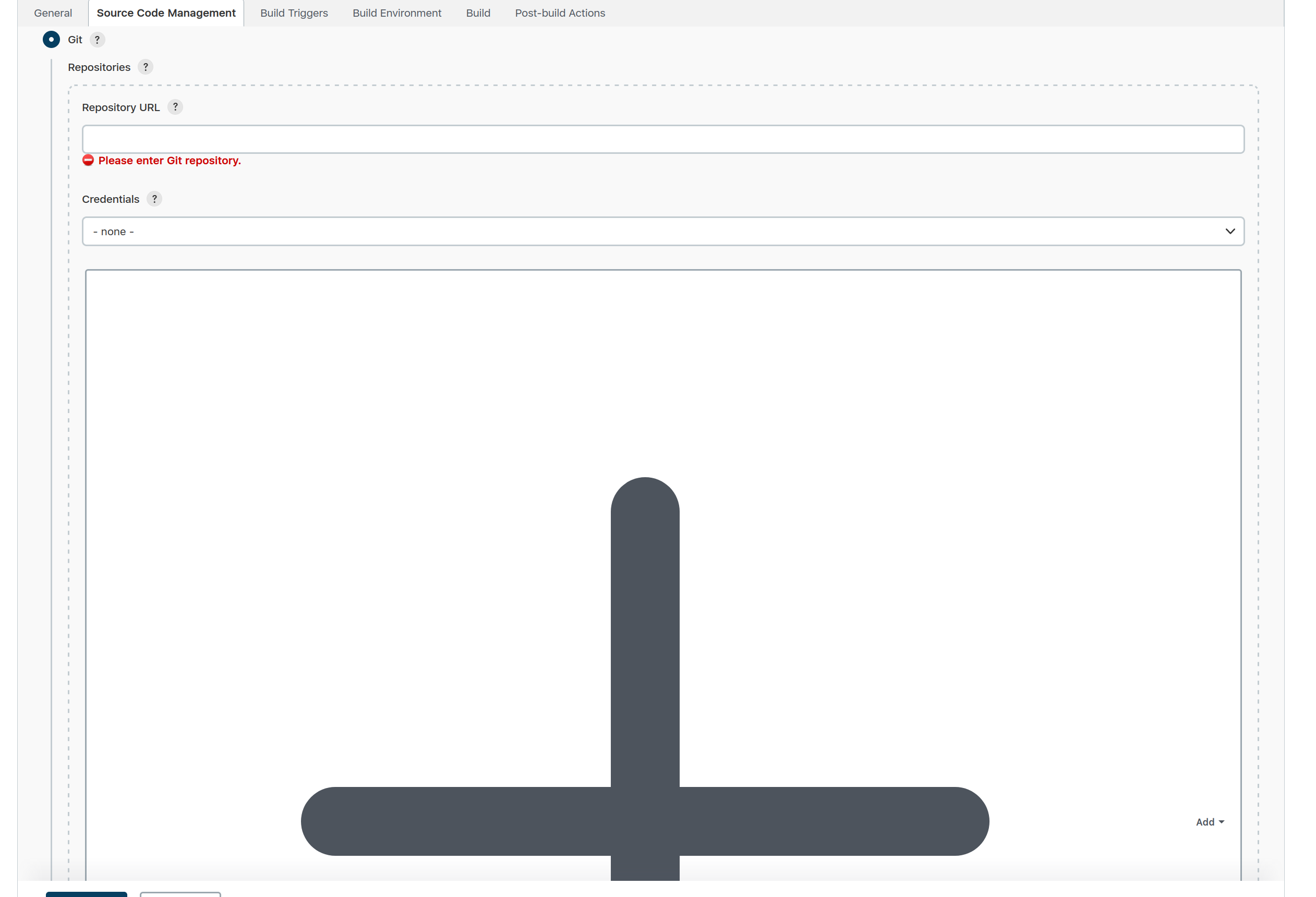
      Steps to reproduce

      • Install Jenkins 2.342.
      • Go through the wizard and install the suggested plugins.
      • Create a new freestyle project.
      • Under Source Code Management, select Git.
      • Observe the giant plus sign.

            Assignee:
            Unassigned
            Reporter:
            Basil Crow
            Votes:
            0 Vote for this issue
            Watchers:
            2 Start watching this issue

              Created:
              Updated:
              Resolved: