-
Type:
Bug
-
Resolution: Unresolved
-
Priority:
 Major
Major
-
Component/s: core
-
Environment:Jenkins 2.418-1.1
RHEL 8/9
Suggested plugins (instance tested for reproduction was freshly installed)
Windows 10/11 (High Contrast enabled - can provide specific colour scheme upon request)
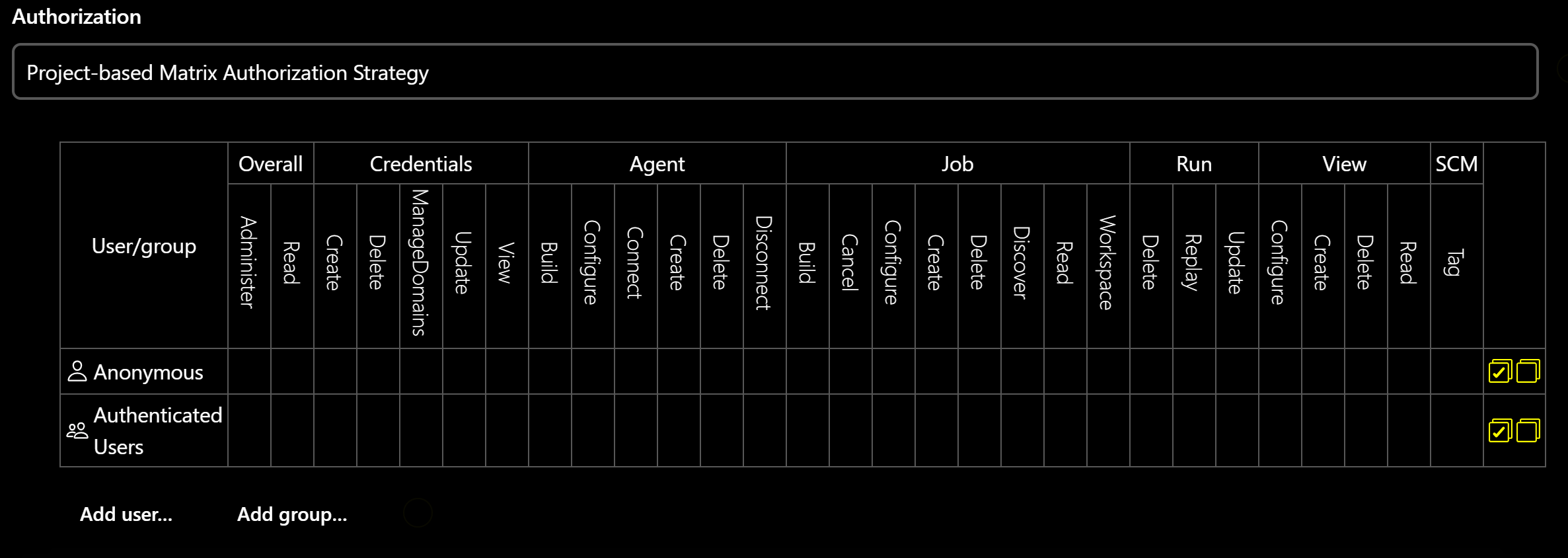
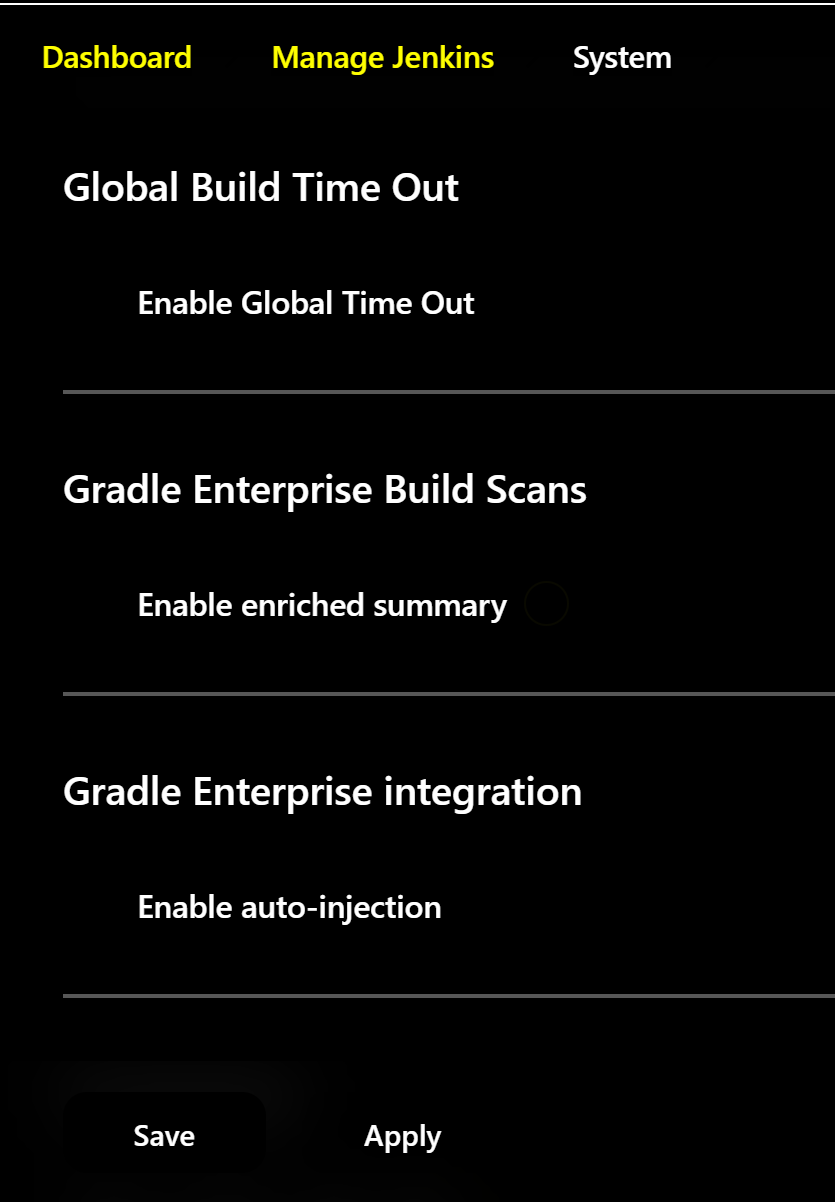
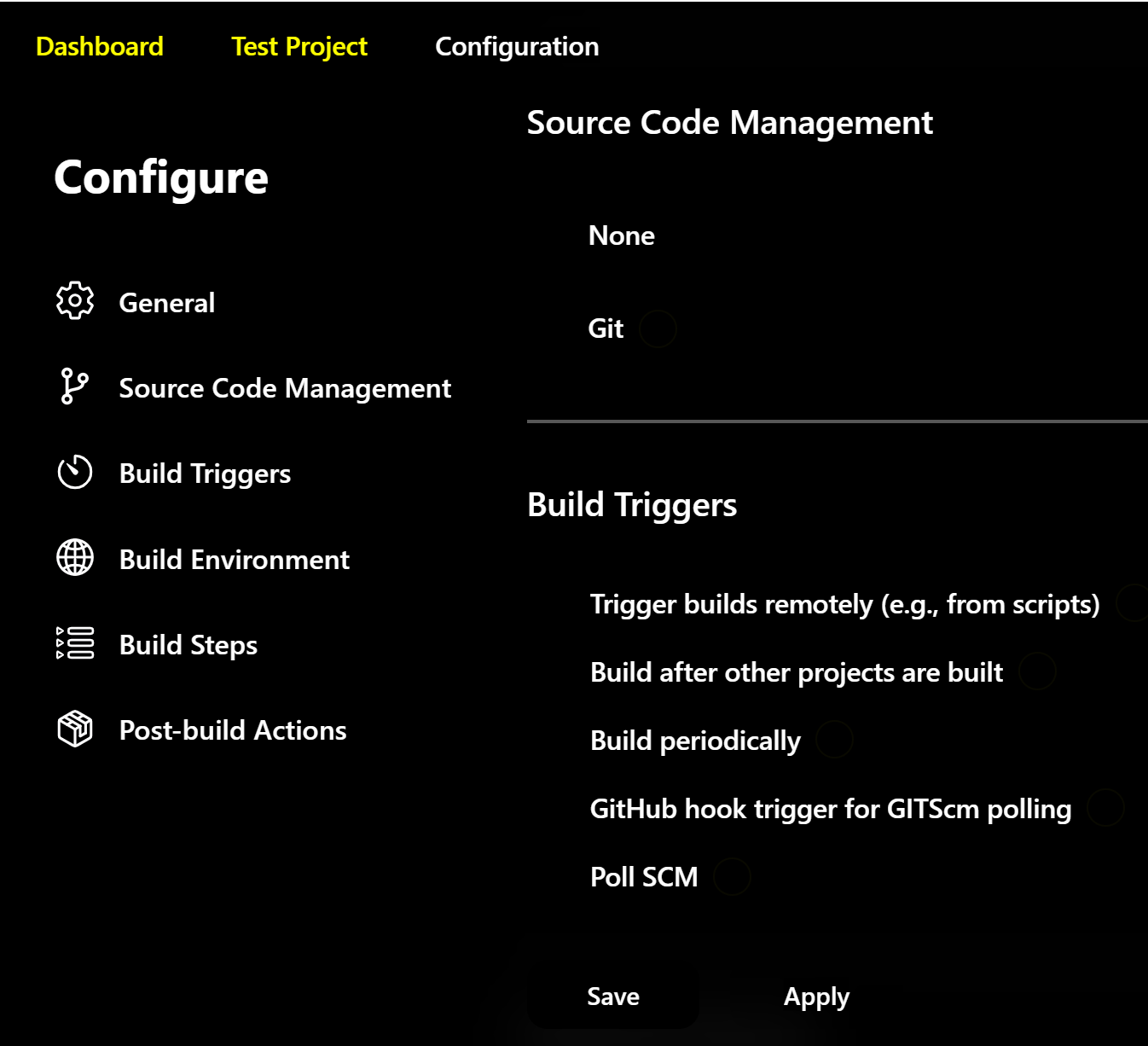
One of our users has reported that the checkboxes in the Jenkins user interface disappear when they view the window with OS-level High Contrast settings enabled. The user is visually impaired.
I have tested this both on the instance that they were initially using, and then have created a new one based on that setup. Both experience the same issue.
Screenshots have been attached to this issue.